Introduction
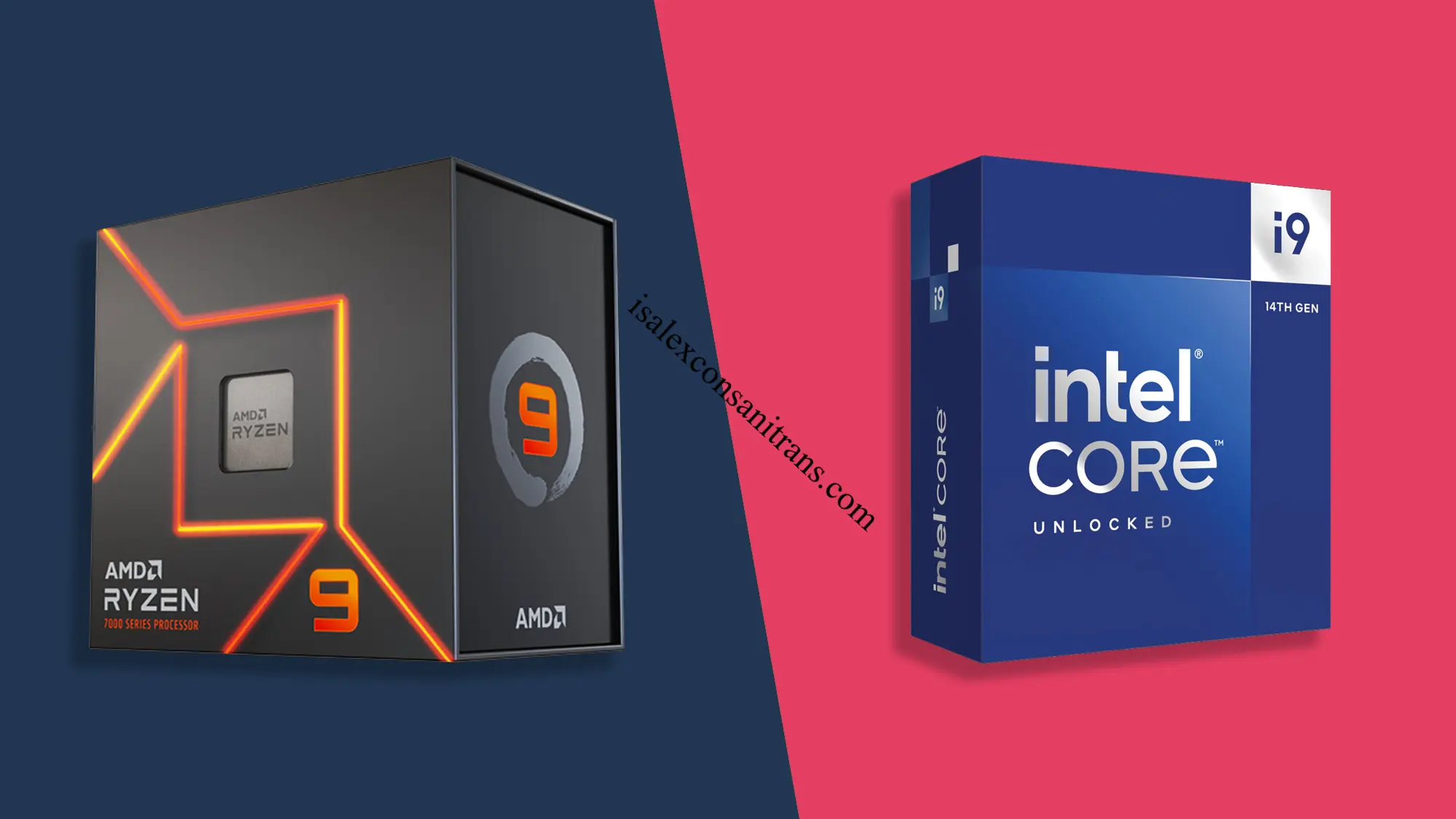
Picking a new processor feels harder than it should be. You open a shopping tab, see Ryzen and Core listed side by side, and suddenly you are comparing numbers you do not fully understand. The amd vs intel debate has been going on for decades, and honestly, it never really settles down. Both companies keep leapfrogging each other with new chips, new architectures, and new marketing claims.
This guide breaks the whole thing down in plain language. You will learn what actually separates AMD and Intel, which chip wins for gaming, which one handles video editing and heavy multitasking better, and which brand gives you more for your money. We will also cover power efficiency, laptop performance, and AI workloads, since those matter more now than ever. By the end, you will know exactly which processor fits your needs, no confusing jargon required.
What Is The Difference Between AMD And Intel?
At the core, both companies design processors, or CPUs, that act as the brain of your computer. The amd vs intel comparison really comes down to architecture, manufacturing, and how each company builds its chips.
AMD uses a chiplet design. Instead of building one large piece of silicon, AMD connects several smaller dies together on a single processor. This approach keeps manufacturing costs lower and allows AMD to mix and match components efficiently.
Intel has shifted toward a similar tiled approach with its newer Core Ultra chips, moving away from the old monolithic design it used for years. Intel also uses a hybrid core structure, combining Performance cores for demanding tasks with Efficient cores that handle lighter background work.
Here is a simple way to picture it.
- AMD Ryzen chips focus on strong single core speed and large cache, especially in gaming focused models.
- Intel Core Ultra chips focus on balancing power hungry cores with efficient ones to manage both performance and battery life.
Neither approach is wrong. They are just different philosophies aimed at solving the same problem.
Which Processor Is Better For Gaming?
If gaming performance is your priority, the answer is fairly clear right now. AMD holds the lead, and it is not close.
AMD’s X3D chips use something called 3D V Cache technology. This stacks extra cache memory directly onto the processor, which dramatically improves gaming frame rates since games rely heavily on quick access to cached data. The Ryzen 7 9800X3D and Ryzen 9 9950X3D currently sit at the top of gaming benchmark charts.
Independent testing from respected hardware reviewers shows AMD’s top gaming chip beating Intel’s flagship Core Ultra processor by a noticeable margin in CPU limited scenarios, often somewhere between fifteen and thirty five percent depending on the game.
Intel is not bad at gaming. Its latest Arrow Lake Refresh chips fixed earlier performance issues and now run cooler and more efficiently than previous generations. But when it comes to raw frames per second, AMD simply has the edge thanks to that cache advantage.
Quick takeaway: If gaming is your main use case, choose a Ryzen X3D chip. You will notice smoother frame rates, especially at 1080p and 1440p resolutions.
Which CPU Is Better For Video Editing And Productivity?
This is where things get more balanced, and honestly more interesting.
For video editing, 3D rendering, and heavy multitasking, both brands offer excellent options depending on core count and budget. Intel’s higher end Core Ultra chips pack up to twenty four cores, which helps enormously with tasks that split work across many threads, like exporting 4K footage or running simulations.
AMD counters with its Ryzen 9 lineup, which also scales up to sixteen cores on mainstream desktop platforms and performs exceptionally well in applications optimized for multiple threads.
Here is what actually matters for productivity work.
- More cores help with rendering, exporting, and compiling code.
- Higher clock speeds help with tasks that rely on a single thread, like some plugins in editing software.
- Cache size affects how quickly your CPU accesses frequently used data during heavy workloads.
If you edit video professionally or run demanding creative software daily, look closely at core count and check whether your specific software favors AMD or Intel optimizations. Many editing suites now perform similarly well on both, so this decision often comes down to your total budget and platform preference.
Which Brand Offers Better Value For Money?
Value depends heavily on what you plan to do with your computer, but let us break it down honestly.
AMD tends to win on value in the gaming space. The Ryzen 7 9800X3D delivers nearly identical gaming performance to the more expensive Ryzen 9 9950X3D at a noticeably lower price. Unless you specifically need sixteen cores for content creation, the cheaper chip makes more financial sense for pure gaming builds.
Intel often wins on value for productivity focused budget builds. Its lower tier Core Ultra chips, paired with budget motherboards that still support older DDR4 memory, can lower your total system cost significantly.
I would suggest this simple rule. If your budget centers around gaming, AMD stretches your money further. If you want a productivity machine on a tight budget, Intel’s lower cost platform options often save you more overall.
Source www.hp.com
Which Processor Is More Power Efficient?
Efficiency has become a bigger selling point in recent years, especially as electricity costs and heat management concerns grow.
AMD’s chiplet design combined with newer manufacturing processes generally results in strong performance per watt, particularly in its non X3D lineup. However, the extra cache in X3D chips can sometimes increase power draw under heavy load.
Intel has made real strides here too. The company’s Efficient cores handle background tasks using very little power, which helps overall system efficiency during everyday use like browsing or word processing. Intel also uses this hybrid setup smartly on laptops, where battery life matters most.
Neither brand runs dramatically hotter or cooler than the other anymore. Both require decent cooling for their top tier chips, and both offer excellent efficiency in their mid range lineups. If you want the coolest and quietest build possible, check independent thermal reviews for the exact chip model you are considering rather than judging based on brand name alone.
AMD vs Intel: Which Is Better For Laptops?
Laptop performance depends on more factors than desktop performance, since battery life and thermal limits play a much bigger role.
Intel has traditionally held strong laptop market share thanks to widespread OEM partnerships and efficient mobile chip designs. Its Core Ultra mobile processors integrate dedicated AI acceleration hardware, which helps laptops handle AI tasks locally without draining the battery quickly.
AMD’s mobile Ryzen chips have closed the gap significantly, offering excellent battery life and strong integrated graphics performance, which matters a lot if you are not planning to pair your laptop with a dedicated GPU.
For laptop buyers, here is what I would personally weigh.
- If integrated graphics performance matters for light gaming, AMD mobile chips often perform better.
- If you want strong AI features baked directly into Windows 11, Intel currently has a slight edge in ecosystem support.
- If battery life is your absolute top priority, compare specific laptop models rather than brand alone, since manufacturers tune power settings differently.
Both brands make excellent laptop chips today. The amd vs intel gap in mobile computing has narrowed considerably compared to just a few years ago.
Which CPU Is Best For AI Workloads And Programming?
AI and programming workloads bring a new dimension into the amd vs intel conversation.
Intel currently emphasizes its integrated Neural Processing Unit, or NPU, across its Core Ultra lineup. This dedicated AI hardware accelerates certain machine learning tasks and Windows AI features without relying entirely on your graphics card or CPU cores.
AMD also includes NPUs in its newer Ryzen AI chips, particularly in mobile and some desktop variants, offering competitive AI acceleration alongside strong general programming performance.
For pure programming and compiling code, more cores and threads generally help more than dedicated AI hardware. In that case, higher core count chips from either brand, especially Ryzen 9 or Core Ultra 9 models, handle large codebases and compiling tasks comfortably.
If your work leans heavily into local AI model training or inference, check whether your specific software takes advantage of NPU acceleration, since support varies by application and is still evolving rapidly across both platforms.
Quick Comparison Table
| Category | AMD | Intel |
|---|---|---|
| Gaming Performance | Leads clearly, especially X3D chips | Competitive but behind AMD |
| Multithreaded Productivity | Very strong, up to sixteen cores | Very strong, up to twenty four cores |
| Price to Performance | Excellent for gaming builds | Excellent for budget productivity builds |
| Power Efficiency | Strong, slight increase with X3D cache | Strong, especially with Efficient cores |
| Laptop Integrated Graphics | Generally better | Improving steadily |
| AI and NPU Support | Growing, present in Ryzen AI chips | Strong, present across Core Ultra lineup |
| Platform Longevity | AM5 offers longer upgrade path | LGA1851 socket future less confirmed |
Final Verdict Based On Different User Needs
There is no single winner in the amd vs intel debate because the right answer depends entirely on what you actually do with your computer.
- Gamers should lean toward AMD, specifically an X3D chip like the Ryzen 7 9800X3D, for the best frame rates available today.
- Video editors and content creators should compare core counts and check software specific benchmarks, since both brands perform well here.
- Budget conscious productivity builders may find Intel’s lower cost platform options more appealing.
- Laptop buyers should compare specific models rather than choosing based on brand loyalty alone.
- Programmers and AI enthusiasts should prioritize core count first, then check NPU support if local AI acceleration matters to their workflow.
Think honestly about your daily use before deciding. The amd vs intel choice is not about picking a permanent team. It is about matching the right chip to your actual habits and budget.
FAQ Section
Is AMD or Intel better overall in 2026? Neither brand is universally better. AMD leads in gaming, while Intel remains competitive in productivity and AI features. Your specific needs determine the better choice.
Which is better for gaming, AMD or Intel? AMD wins for gaming, particularly with its X3D chips like the Ryzen 7 9800X3D, which currently deliver the highest gaming frame rates available.
Does Intel or AMD run cooler? Both brands run efficiently in their mid range lineups. High end chips from either company need solid cooling, so check reviews for your specific model rather than judging by brand alone.
Which brand is cheaper for a full gaming PC build? AMD often provides better value for gaming builds since its X3D chips deliver top tier frame rates without requiring the most expensive motherboard platforms.
Is Intel better for laptops than AMD? Intel has strong laptop market presence and solid AI acceleration features, but AMD mobile chips now offer excellent battery life and integrated graphics performance too.
Which processor is better for programming? Higher core count chips from either brand handle compiling and coding tasks well. Compare specific models based on core count and clock speed rather than brand name.
Do I need the most expensive chip for video editing? Not necessarily. Mid range chips from both AMD and Intel handle most editing tasks smoothly. Only choose flagship chips if you regularly work with heavy 4K or 8K footage.
Which company has better AI features right now? Intel currently has slightly broader NPU support across its Core Ultra lineup, though AMD’s Ryzen AI chips are closing that gap quickly.
Conclusion
The amd vs intel decision ultimately comes down to your priorities. If gaming frame rates matter most, AMD earns the recommendation. If you want balanced productivity performance with strong AI features, Intel remains a solid, dependable choice. Both companies keep pushing each other forward, and that competition genuinely benefits you as a buyer.
Take a moment to think about what you actually use your computer for most often. Then match that need to the chip that fits best. Which side are you leaning toward after reading this? Feel free to share this guide with a friend who is stuck making the same decision.
isalexconsanitrans.com
Email: johanharwen314@gmail.com
Author Name: Hamid Ali
About The Author: Hamid Ali is a technology writer who focuses on computer hardware, PC building, and practical buying guides. With years of hands on experience testing processors and building custom systems, Alex enjoys breaking down complex tech topics into simple, useful advice for everyday readers.