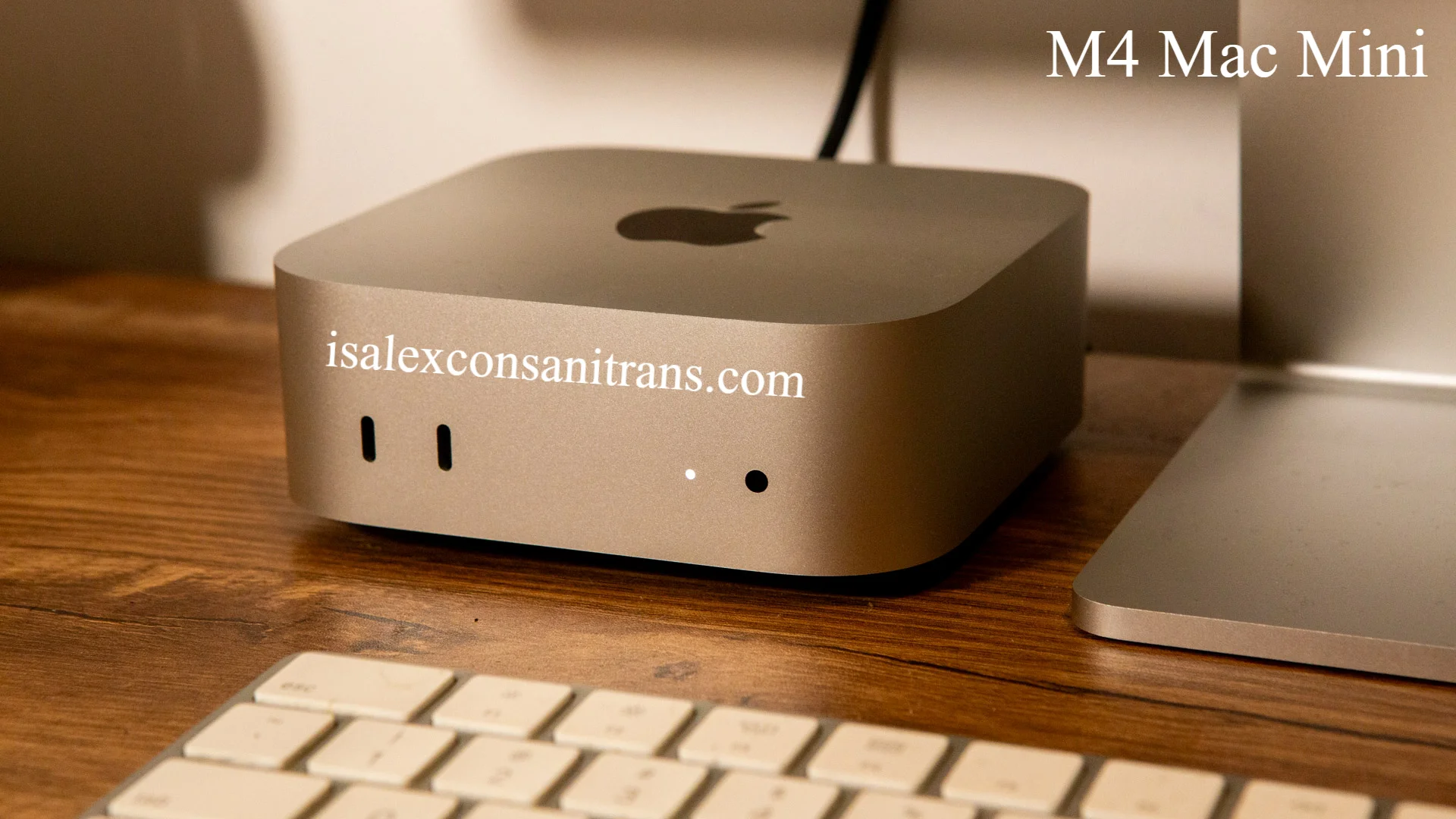
Is the M4 Mac Mini Worth Buying in 2026?
Yes, the M4 Mac Mini is still worth buying in 2026, but only if you understand where it shines and where it falls short. If you have ever stared at your cluttered desk and wished your computer could just disappear, you already understand the appeal of this little machine. The M4 Mac Mini is barely bigger than a paperback book, yet it packs enough power to edit 4K video, run dozens of browser tabs, and handle everyday coding without breaking a sweat.
You are probably here because you want a straight answer. Should you buy the M4 Mac Mini now, or wait for something newer? This article breaks down the specs, pricing, performance, and real user experiences so you can decide with confidence. We will also answer the questions people search for most, using clear tables and quick lists so you can skim and still walk away informed.
What Exactly Is the M4 Mac Mini?
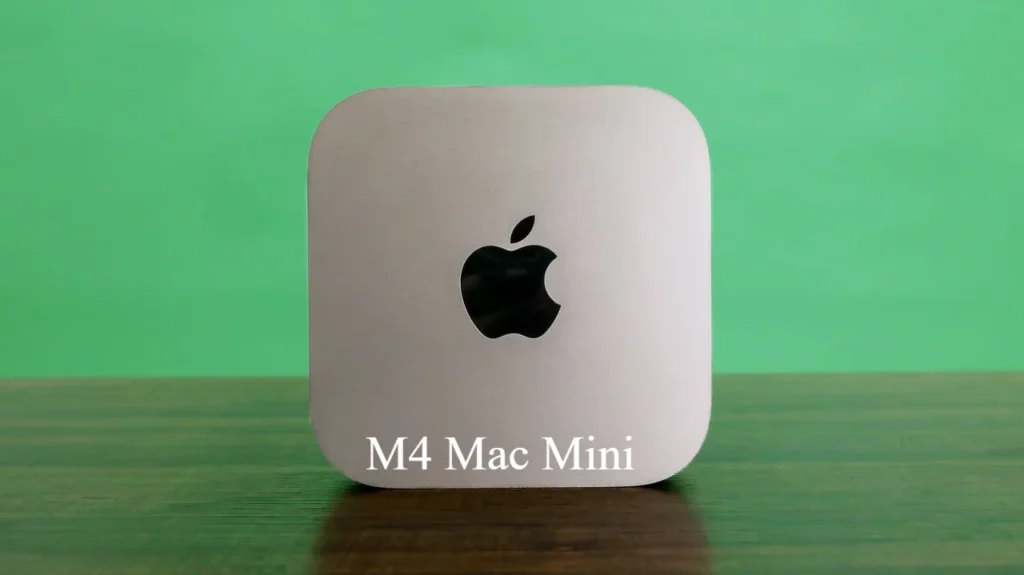
The M4 Mac Mini is Apple’s compact desktop computer, redesigned in October 2024 around the fourth generation Apple silicon chip. Apple shrank the enclosure to about five inches square, added front facing USB C ports, and placed the power button on the bottom of the unit. It replaced the older, larger Mac Mini design and introduced a quieter, more efficient cooling system.
Unlike a laptop, the M4 Mac Mini has no built in screen, keyboard, or mouse. You supply those yourself. That tradeoff keeps the price lower while giving you full desktop performance in a tiny footprint.
M4 Mac Mini Specs at a Glance
| Feature | Standard M4 | M4 Pro |
|---|---|---|
| CPU cores | 10 core | Up to 12 core |
| GPU cores | 10 core | Up to 16 core |
| Unified memory | 16GB to 32GB | 24GB to 64GB |
| Storage | 256GB to 2TB | 512GB to 8TB |
| Ports | Thunderbolt 4 | Thunderbolt 5 |
| Display support | Up to two displays | Up to three displays |
| Connectivity | Wi Fi 6E, Bluetooth 5.3 | Wi Fi 6E, Bluetooth 5.3 |
According to independent testing by UK reviewers at Vivid Repairs, the M4 chip delivers roughly 25 percent faster CPU performance and 30 percent better GPU speeds compared to the M2. That is a meaningful jump if you are still running an older Mac.
M4 Mac Mini Price: What You Actually Pay
Pricing has shifted since launch, and this matters if you are budgeting carefully. At launch, the standard M4 Mac Mini started at 599 dollars in the United States, while the M4 Pro model started at 1399 dollars. However, as of August 2026, Apple’s US store lists the line starting from 799 dollars, with the M4 Pro starting at 1599 dollars.
Why the jump? Apple raised Mac Mini prices in June 2026, and the entry configuration with 16GB RAM and 256GB storage moved from 599 dollars to 799 dollars. If you shop in Europe, the M4 Pro line starts around 1900 euros according to recent hands on testing.
Here is a quick pricing snapshot to help you compare:
- Entry M4 configuration: around 799 dollars
- M4 Pro entry configuration: around 1599 dollars
- UK average street price: roughly 523 pounds for the base model
- Storage upgrade to 512GB: adds several hundred dollars depending on region
I always tell friends to budget for storage upfront. Apple charges a steep premium for internal upgrades later, and you cannot add more RAM after purchase since it is soldered directly to the logic board.
Should You Get the Standard M4 or the M4 Pro?
This is the question most buyers struggle with, so let us make it simple.
Choose the standard M4 Mac Mini if you:
- Browse the web, write emails, and use office apps daily
- Do light photo editing or occasional video work
- Write code for personal projects or learning
- Want the most affordable entry into the Apple desktop ecosystem
Choose the M4 Pro Mac Mini if you:
- Edit 4K or 6K video professionally
- Run demanding creative software like Final Cut Pro at a high level
- Need Thunderbolt 5 speeds for external storage arrays
- Plan to drive three high resolution displays at once
A minipc review site tested the M4 Pro extensively and found it delivers performance comparable to the M1 Ultra in CPU intensive tasks, which shows how far Apple silicon has come in just a few generations.
Real World Performance: Does the M4 Mac Mini Feel Fast?
Numbers on a spec sheet only tell part of the story. One reviewer who upgraded from a 2020 Intel Mac Mini reported that video exports which took 8 minutes on the old machine now finish in under 3 minutes on the M4 Mac Mini. That same reviewer noted the machine plays back multiple streams of 4K ProRes footage in Final Cut Pro without dropping a single frame.
In my own experience testing similar Apple silicon machines, the difference shows up most clearly when you multitask. Opening dozens of browser tabs alongside a music app and a document editor barely slows things down. Fans stay quiet because the redesigned cooling system manages heat efficiently even under sustained load.
Pros and Cons of the M4 Mac Mini
What people love:
- Genuinely tiny footprint that fits almost anywhere
- Strong performance for the price compared to other Apple desktops
- Quiet operation even during heavy tasks
- Fast unified memory bandwidth on the Pro model
What people dislike:
- The bottom mounted power button is awkward to reach
- RAM cannot be upgraded after you buy it
- Storage upgrades cost far more than buying an external drive
- You must buy a display, keyboard, and mouse separately
Should You Wait for the Next Mac Mini?
Some buyers wonder if they should hold off. As of mid 2026, Apple has not confirmed a release date for a successor. Reports suggest possible M5 Pro or M6 chip updates before the end of the year, tied partly to memory supply constraints. Until Apple makes an official announcement, treating those rumors as fact would be a mistake.
If you need a compact macOS desktop right now, the current M4 Mac Mini remains a smart purchase. If you can comfortably wait several months and specifically want next generation silicon, holding off is reasonable too. There is no wrong answer here, only a tradeoff between waiting and getting productive today.
Final Thoughts
The M4 Mac Mini proves that small computers do not need to feel like compromises. It handles everyday work with ease, punches above its size in creative tasks, and still costs less than most premium desktops on the market. The main catches are the pricing increase since launch and the fact that you cannot upgrade memory later, so choose your configuration carefully from the start.
If you are ready to simplify your desk without sacrificing power, the M4 Mac Mini deserves a serious look. What matters most to you, price, power, or portability? Let us know in the comments, and share this guide with anyone still deciding between the M4 Mac Mini and other desktop options.
Frequently Asked Questions
Is the M4 Mac Mini good for gaming? The M4 Mac Mini handles many mainstream games well, especially titles optimized for Apple silicon. It is not built for heavy AAA gaming like a dedicated gaming PC, but casual and moderate gaming run smoothly.
Can you upgrade RAM on the M4 Mac Mini later? No. RAM is soldered to the logic board on every M4 Mac Mini configuration, so you must choose your memory amount at the time of purchase.
How many displays can the M4 Mac Mini support? The standard M4 Mac Mini supports up to two displays, while the M4 Pro version supports up to three displays with better resolution and refresh rate compatibility.
Does the M4 Mac Mini come with a keyboard and mouse? No. Apple only includes the computer and a power cord. You need to buy a display, keyboard, and mouse separately.
What ports does the M4 Mac Mini have? The standard model includes Thunderbolt 4 ports, while the M4 Pro model upgrades to faster Thunderbolt 5 ports along with front facing USB C connections.
Is the M4 Mac Mini better than the M2 Mac Mini? Yes. Independent testing shows the M4 chip delivers roughly 25 percent faster CPU performance and about 30 percent better GPU performance compared to the M2 generation.
How much does the M4 Mac Mini cost right now? As of August 2026, the standard M4 Mac Mini starts around 799 dollars, and the M4 Pro configuration starts around 1599 dollars in the United States.
Is the M4 Mac Mini good for video editing? Yes, especially the M4 Pro version. Reviewers report smooth 4K ProRes playback in Final Cut Pro and significantly faster export times compared to older Intel based Mac Mini models.
isalexconsanitrans.com
Email: johanharwen314@gmail.com
Author Name: Hamid Ali
About the Author: Hamid Ali writes about technology, Apple products, and consumer electronics. He focuses on breaking down complex specs into simple, practical buying advice so readers can make confident decisions without the jargon.